Skip to content
Relay
Buy

Download Relayfor your Supernote

Takes your Supernote to-dos and pushes them into the task app you use — automatically.

152 MB · macOS 12.0 or later

Free 7 day trial — fully working, no payment or sign up.

Made for Macs with Apple silicon.

On an Intel Mac, or on Windows? Get in touch — enough interest and we’ll look at building it.

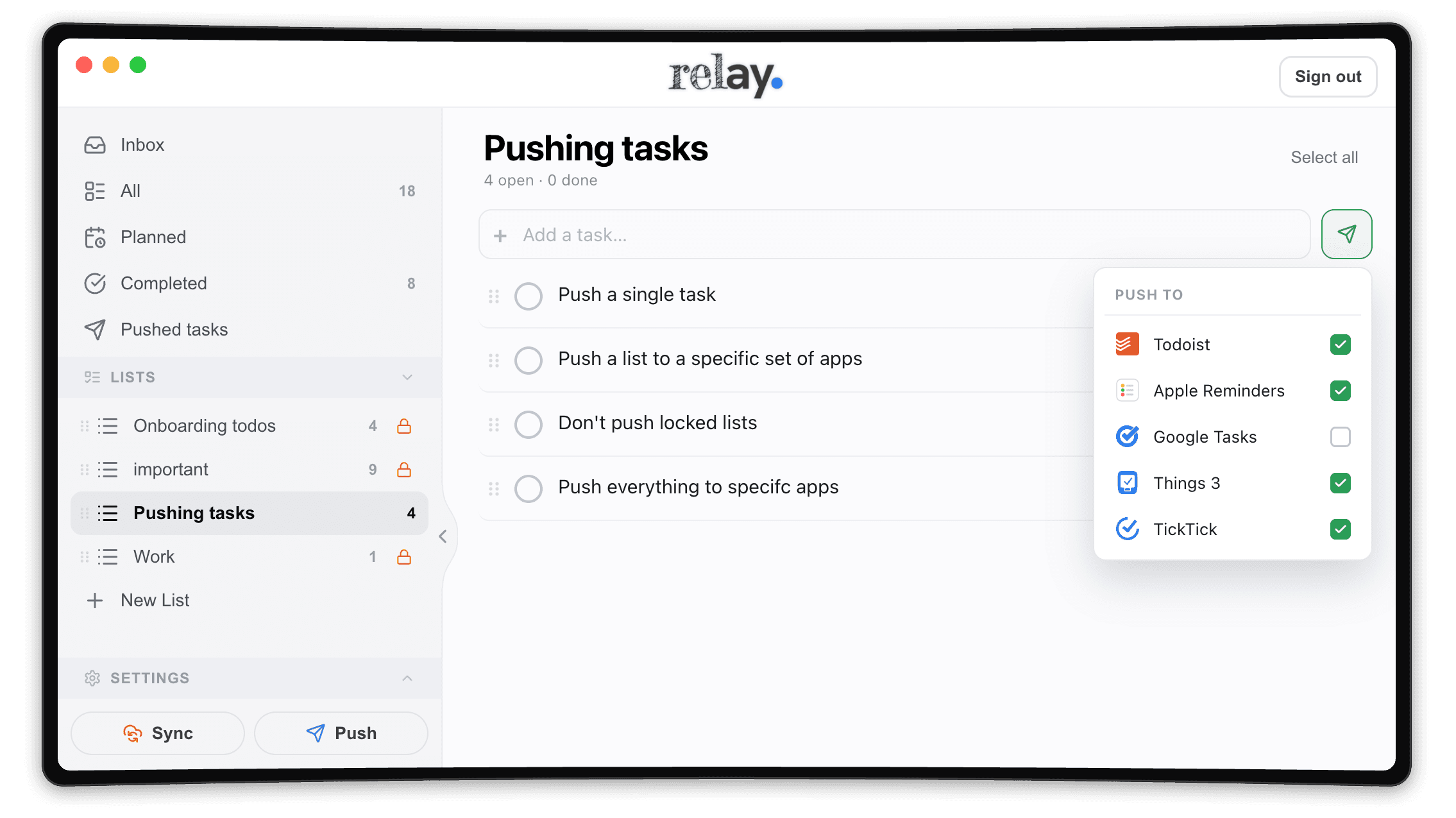
Relay’s push-destination picker over a Pushing tasks list: a Push to menu with Todoist, Apple Reminders, Google Tasks, Things 3 and TickTick, four of them ticked to receive the tasks

Works with

TodoistTodoistRemindersRemindersGoogle TasksGoogle TasksThings 3Things 3TickTickTickTickAsanaAsana

with more on the way

Get up and running quickly.

1. Install

Open the download and drag Relay into Applications.

2. Sign in

Use your Supernote account — no new password to invent.

3. Push

Your to-dos appear; send them to the app your day runs on.

Follow the Quick Start guide

You’ll need

  • A Mac with Apple silicon, on macOS 12.0 or later
  • A Supernote account
  • A task app to push to (or use Relay on its own)

Safe to install

  • Signed and notarized by Apple
  • Updates itself, or manually — you decide
  • Your notes go only to apps you connect · Privacy

What’s new.

Relay 1.0.711 August 2026

All releases

Relay now works with both Supernote servers, and signing in can no longer get stuck. Support for Supernote’s China server. Supernote runs two separate clouds…

Keep Relay forever.

One payment  ·  Two Macs  ·  No subscription

Buy a licence

Don’t have a Supernote yet?

Get the tablet Relay was made for.

Write your to-dos by hand on a Supernote, then let Relay push them into the task app you already use. I write on mine every day — here are the two to look at.